- $293 (6 Sessions)
Don't see a time that works for you? Click here to request another time.

Learning Hours
Projects Created
Countries






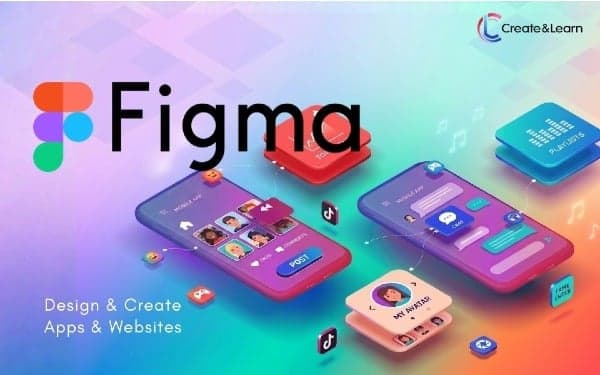
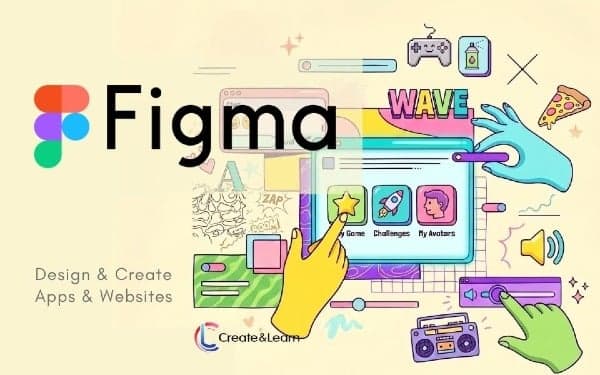
Beautiful Website & Mobile App Creation with FIGMA
From Spotify and Duolingo to Airbnb, many successful websites and apps succeed because of their great user experiences. This is largely the result of exceptional UI (User Interface) and UX (User Experience) design. As AI continues to make coding more accessible, the ability to design impactful interfaces has become an even more critical skill in the real world.
Figma is the most popular tool in the industry for UI/UX design. While mastering Figma once required a significant time investment that was often out of reach for busy high school students, AI has changed the equation. Today, students can leverage AI to learn Figma faster and create professional-grade designs with ease. Furthermore, with FIGMA Make, these designs can now be turned into functional code by AI, making them ready for real-world application.
This Figma UI/UX design course covers the essential tools of the FIGMA platform, foundational UI/UX principles, and the latest AI-driven design techniques. Students will create a series of fun websites and apps, while mastering these critical skills.
Don't see a time that works for you? Click here to request another time.
This course requires FIGMA AI, which is only available in FIGMA Professional https://www.figma.com/pricing/ at $20/month. You will need to purchase FIGMA Professional for a month at about half way through the course. The first half can be done with the free version of FIGMA. We have a limited number of FIGMA professional accounts that might be available for students to use during the course of the class. But it is not guaranteed.
Designed by Stanford, Google & Apple Experts with kids in mind.
We'll help you find the right class, always. Love it or get a full refund.
US-based, background checked, highly trained and 3+ years of experience in their fields.
Show the world you did it. You really did it!
Grades 4-8
Create beautiful graphic designs and videos with beginner-friendly CanvaGrades 5-12
Learn a real-world programming language, with a focus on AIGrades 5-12
Develop beautiful websites fast using WixGrades 6-12
Learn data science with Python and PandasGrades 5-10
Create digital art by learning the art and science behind it