Python is a high-level, yet beginner-friendly coding language used every day by companies such as Netflix, Facebook, and Google. It's one of the most popular programming languages to learn. So today we're going to share the best Python classes for kids and teens.
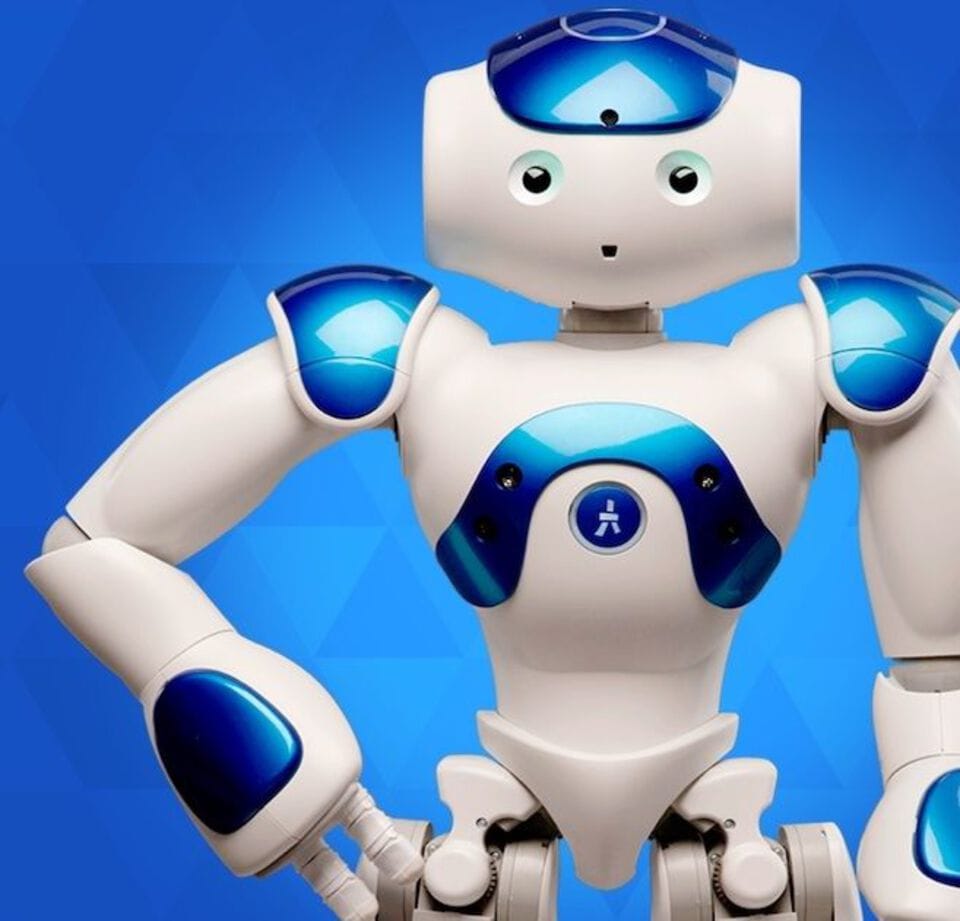
Today we're going to share insight into what STEM robotics is, why it’s important, and where it falls in a STEM education. We'll also reveal some great robotics programs, kits, and competitions so you can jump right into the fun!
This article shares everything students and parents need to know about the APCSP exams. Learn the test dates, get study resources, and discover the best practice exams so students feel confident and prepared when test day comes around.
National STEM Day is on November 8th and celebrates science, technology, engineering, and math throughout the United States. So today, we're going to share a few fun activities to make the most of your STEM day celebration!
There are numerous online courses, tutorials, and books dedicated to Python education, a number of which will be highlighted in this article to help you get started with Python for teenagers, including some free Python resources.
Discover the best Python coding classes available for beginners, ensuring that you embark on a learning journey tailored to your needs and aspirations.
Check out the best virtual STEM courses to learn on your own schedule. From classes offered by PBS Kids and National Geographic to the American Museum of Natural history, you're sure to find something your child will enjoy.