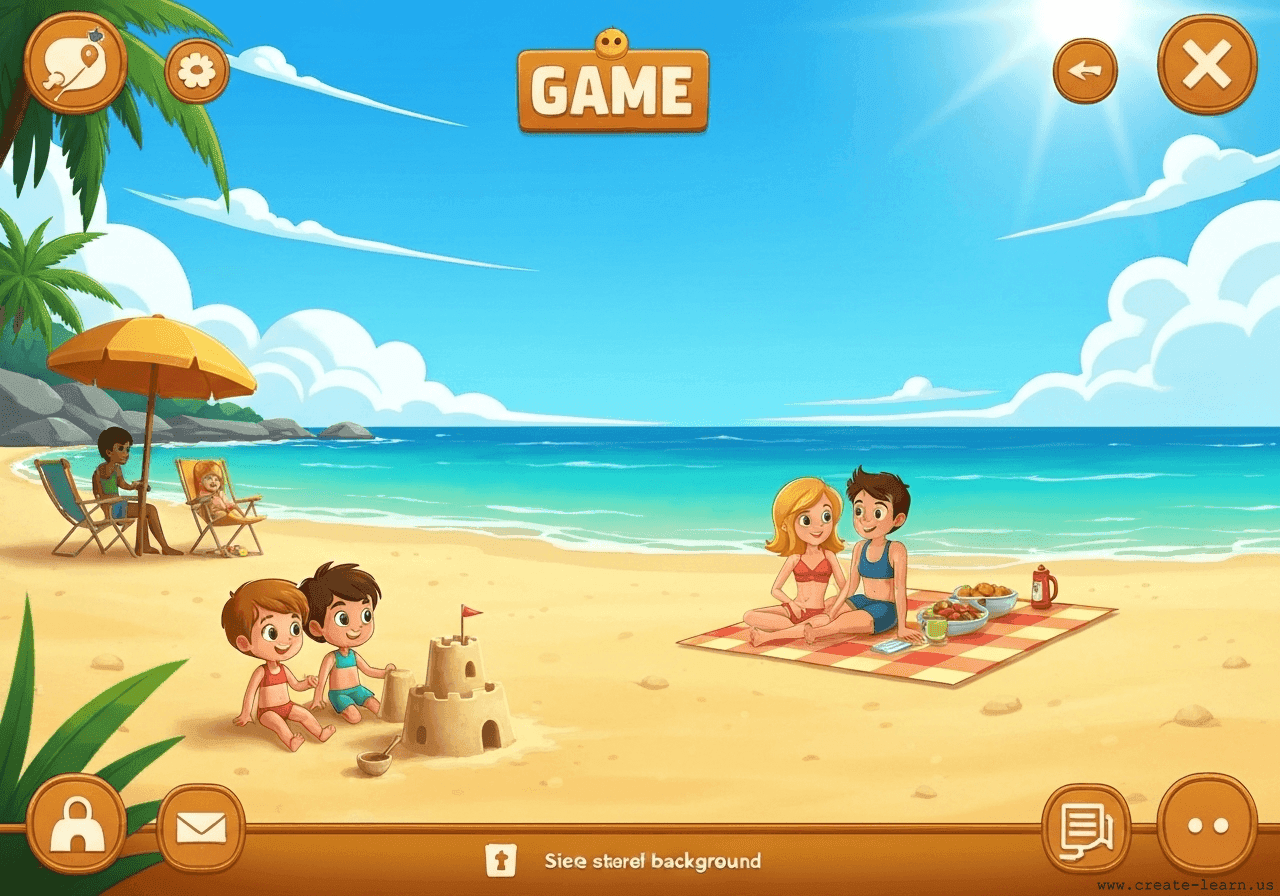
In this interactive race, the player controls the Turtle with the Spacebar while the Crab is automated using a repeat loop with random steps. To slow down the Crab, the player can press the 'S' key to make the Turtle slide forward. If the sliding Turtle touches the Crab, a conditional block plays a sliding sound and temporarily pauses the Crab. Both characters use simple motion blocks to head towards the sea, and the game uses an 'if touching edge' conditional to declare the winner with a victory cheer.
These are the high level steps to create this project. Try to create the project on your own first as much as possible, before checking the detailed solution samples below.
This section provides detailed, step-by-step instructions on how to build the project. There are many ways to create a project, so feel free to explore different approaches. Please note that these instructions are Al-generated, so errors may occur and the coding blocks may not map to Scratch exactly. But it should serve as very valuable references. Stay attentive as you follow along, and enjoy!
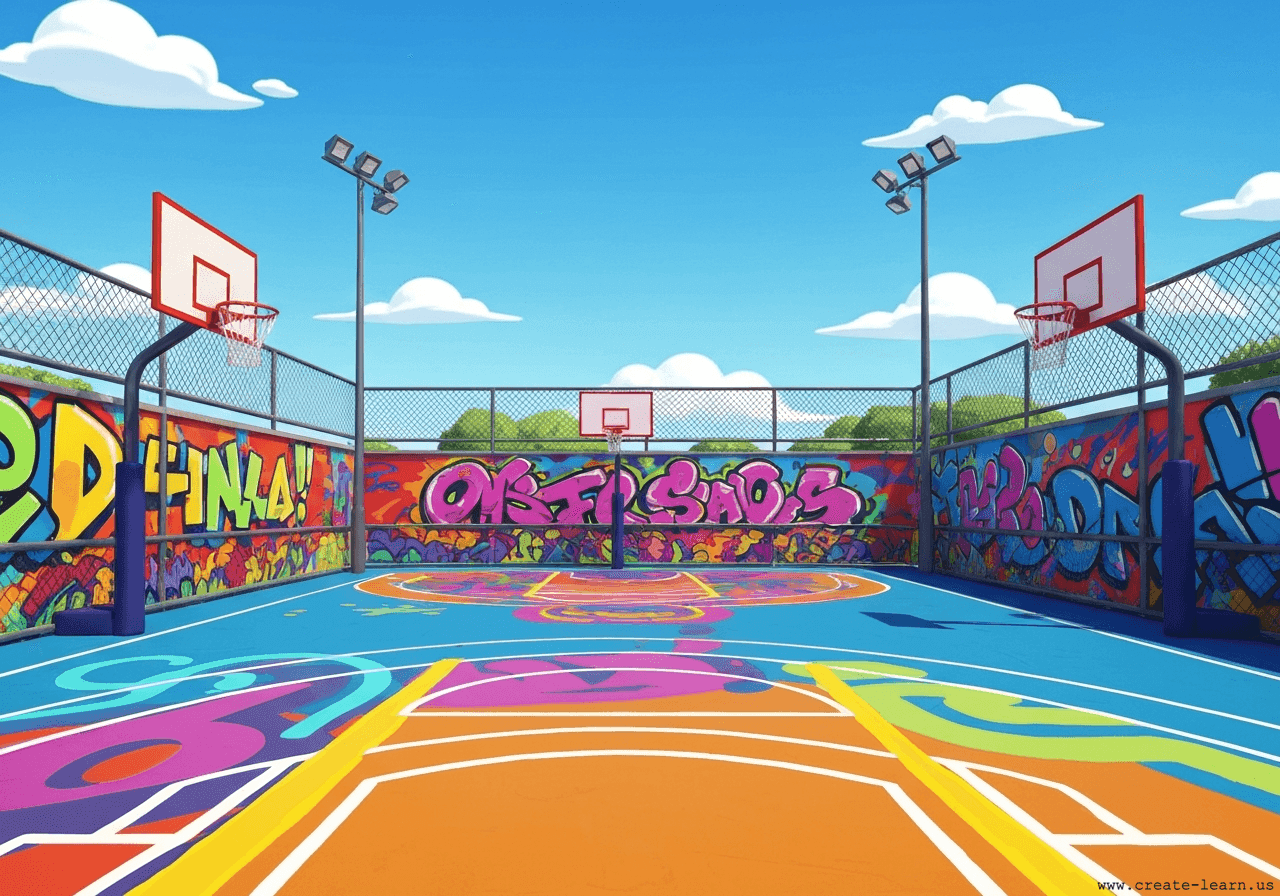
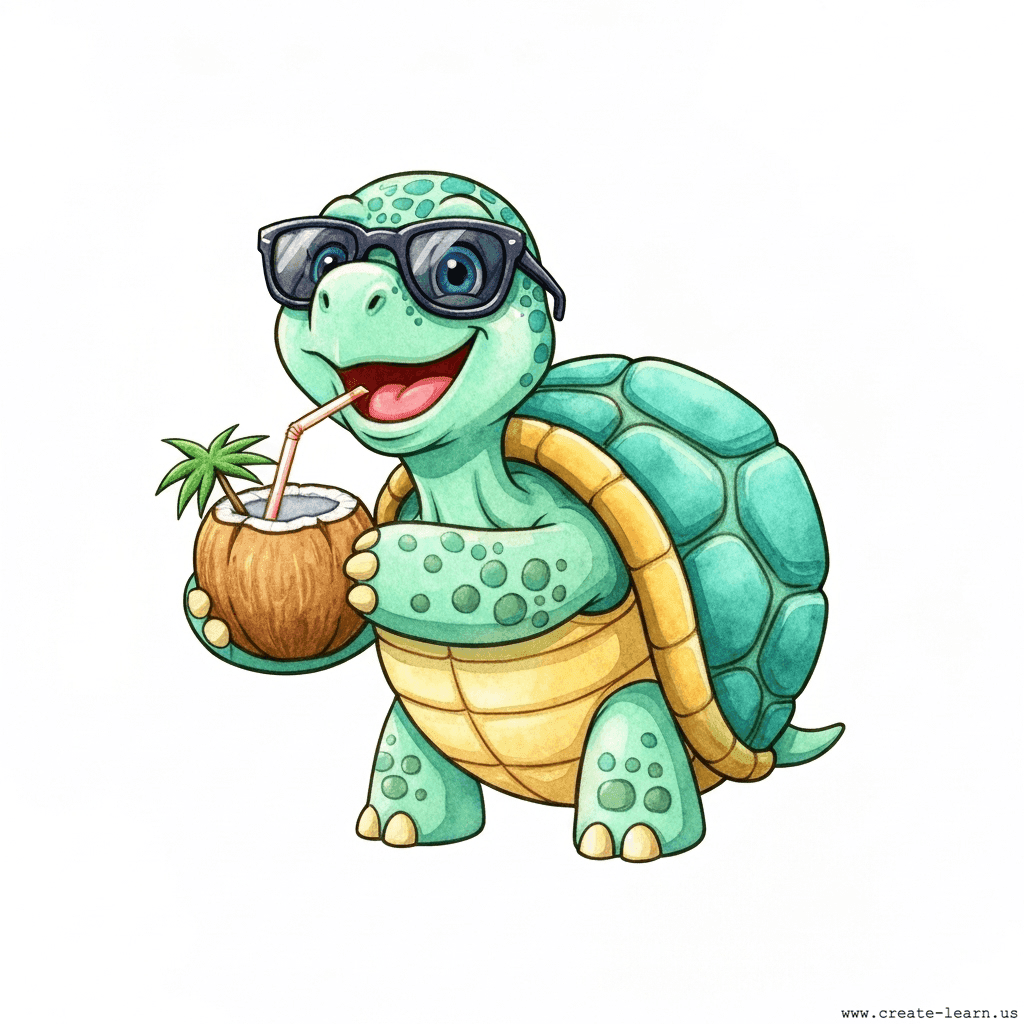
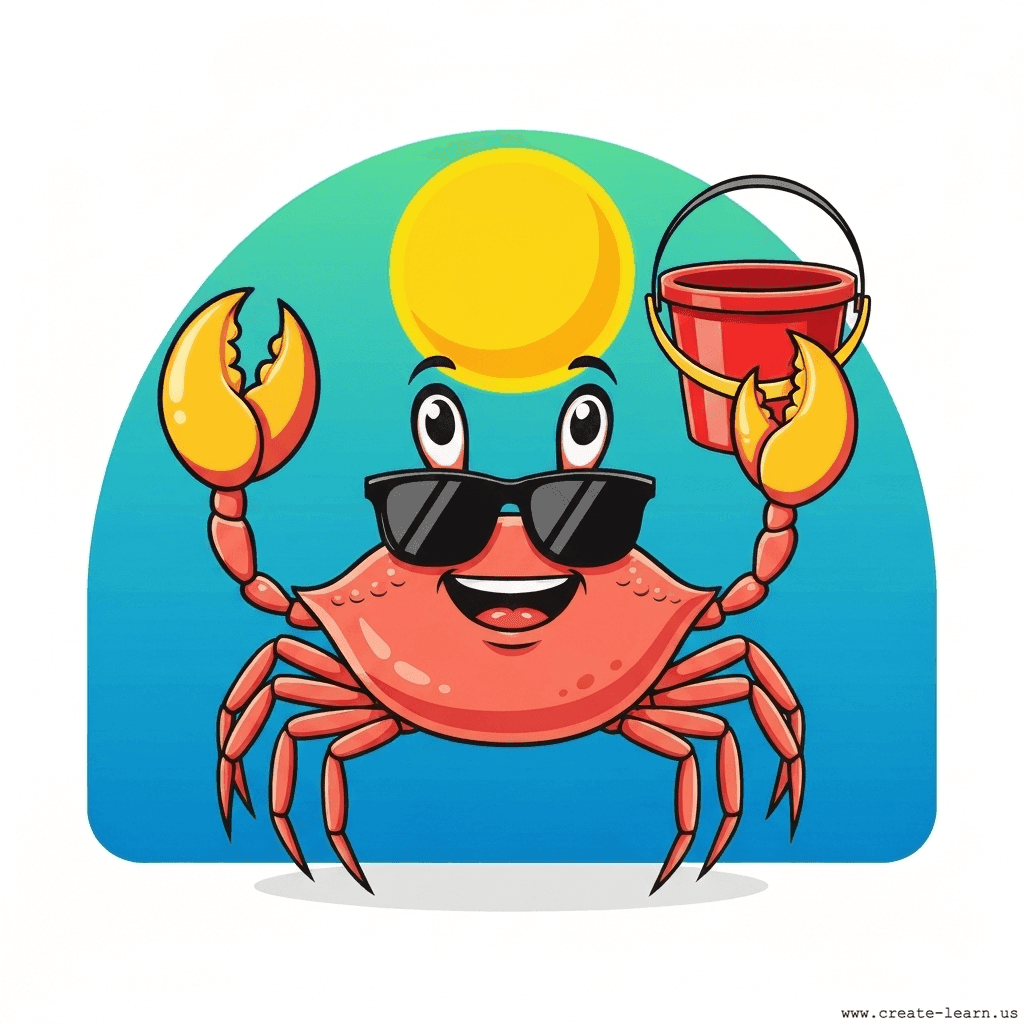
Choose an underwater or beach backdrop from the Scratch library. Add the 'Turtle' and 'Crab' sprites. Shrink them down so they fit comfortably on the screen, and place them on the left side to start the race.
Make the Turtle move forward slightly when the player presses the Spacebar. To add a sliding mechanic, use the 'S' key. When pressed, the Turtle switches to a sliding costume, moves forward quickly, plays a sound, and pauses briefly before switching back.
The Crab should run automatically towards the sea. Use a repeat until loop that moves the Crab forward by a random number of steps on each iteration. Inside the loop, add a conditional block: if the Crab touches the Turtle, play a collision sound and pause the Crab's movement to let the Turtle catch up.
Create a mechanism to detect when either character reaches the right side of the screen (the edge). Use a forever loop with an 'if touching edge' condition for each sprite. When a sprite touches the edge, make it say a victory message, play a cheering sound, and stop the game.
It is common to have bugs in the code. Here are some of issues you might run into.
Enroll your child in award-winning online Scratch coding classes led live by experts and designed by professionals from Google, Stanford, and MIT.
Grades K-2
Start coding with ScratchJr, and make interactive stories and gamesGrades 2-6
Code games and animations with Scratch coding, beginner to advanced levelsGrades 5-9
Fast-paced introduction to Scratch coding: build games, stories, and animationsGrades 3-6
Code a new fun Scratch game every weekThe challenge continues: Enjoy even more Scratch tutorials dreamed up by other students or use your imagination to make your own!
Explore your child's grade level to find computer science classes and learning pathways that set your student up for success.