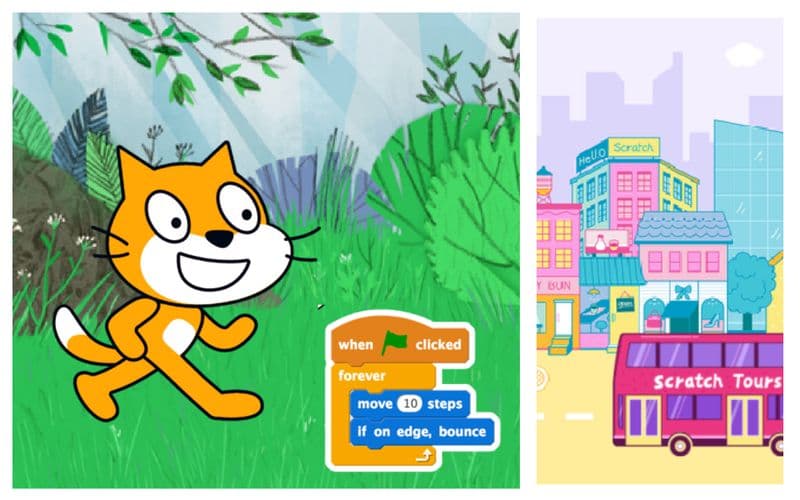
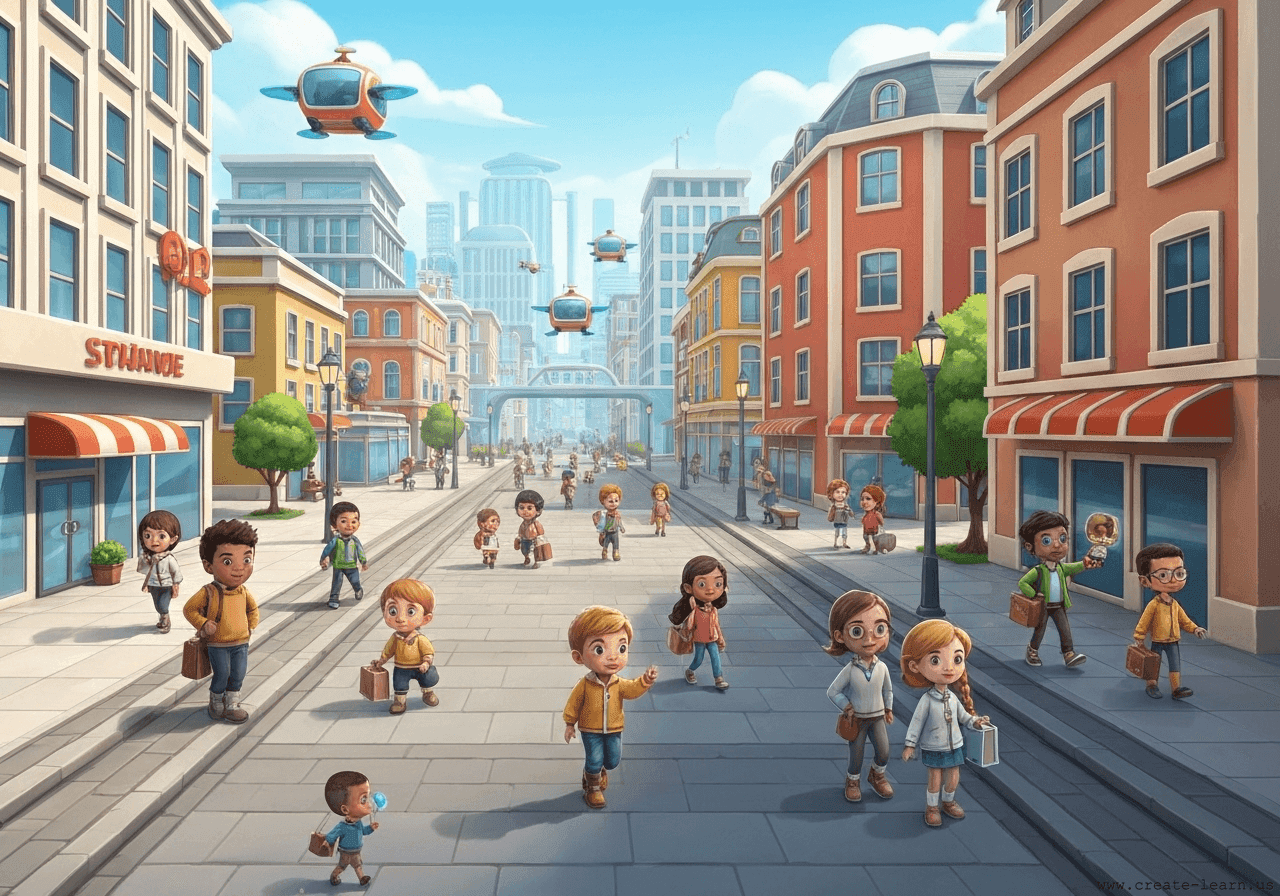
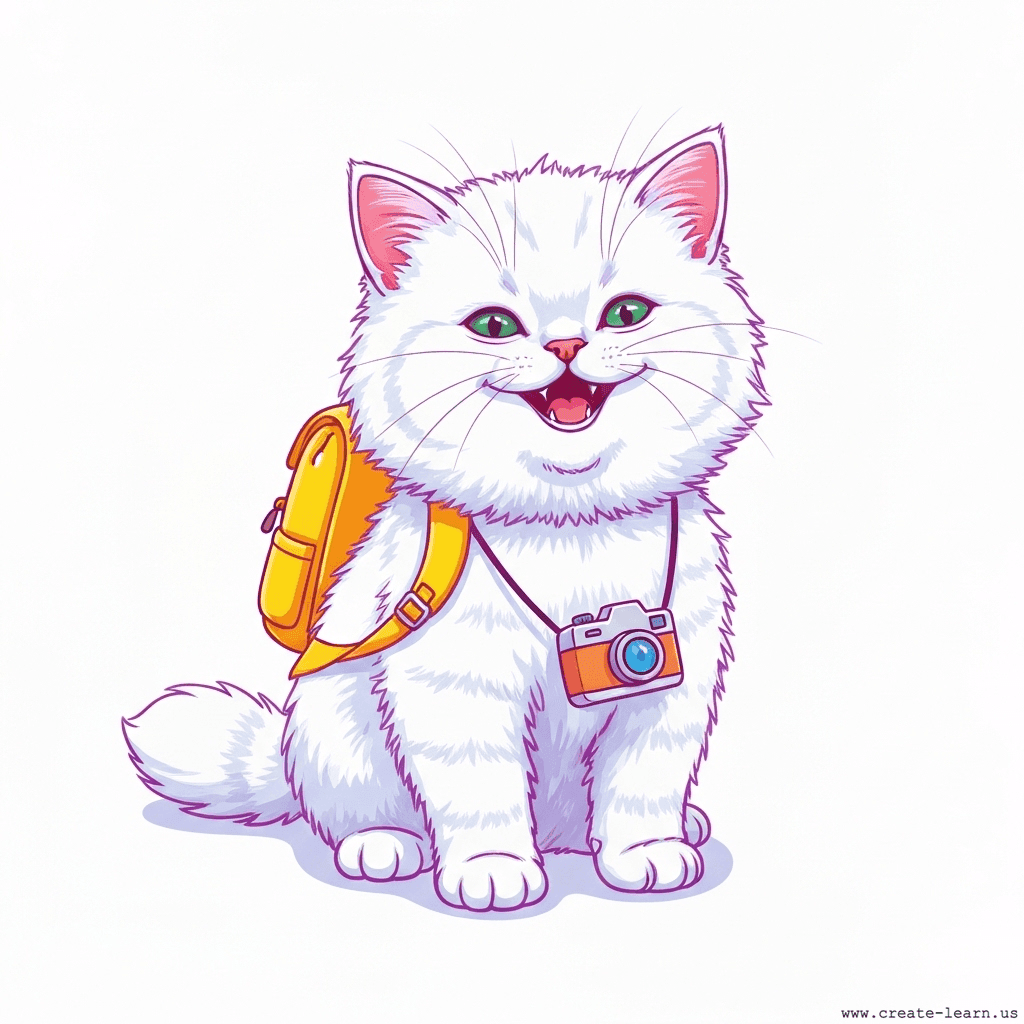
In this project, students code Kitty the cat to chase the computer's mouse pointer around a glowing neon city backdrop. Using a 'forever' loop, Kitty is programmed to constantly point towards and move toward the mouse pointer. When Kitty touches the pointer (using an 'if-then' conditional), a 'meow' sound plays, she switches her costume to a happy pose, and she teleports to a random position on the screen to start the chase again.
These are the high level steps to create this project. Try to create the project on your own first as much as possible, before checking the detailed solution samples below.
This section provides detailed, step-by-step instructions on how to build the project. There are many ways to create a project, so feel free to explore different approaches. Please note that these instructions are Al-generated, so errors may occur and the coding blocks may not map to Scratch exactly. But it should serve as very valuable references. Stay attentive as you follow along, and enjoy!
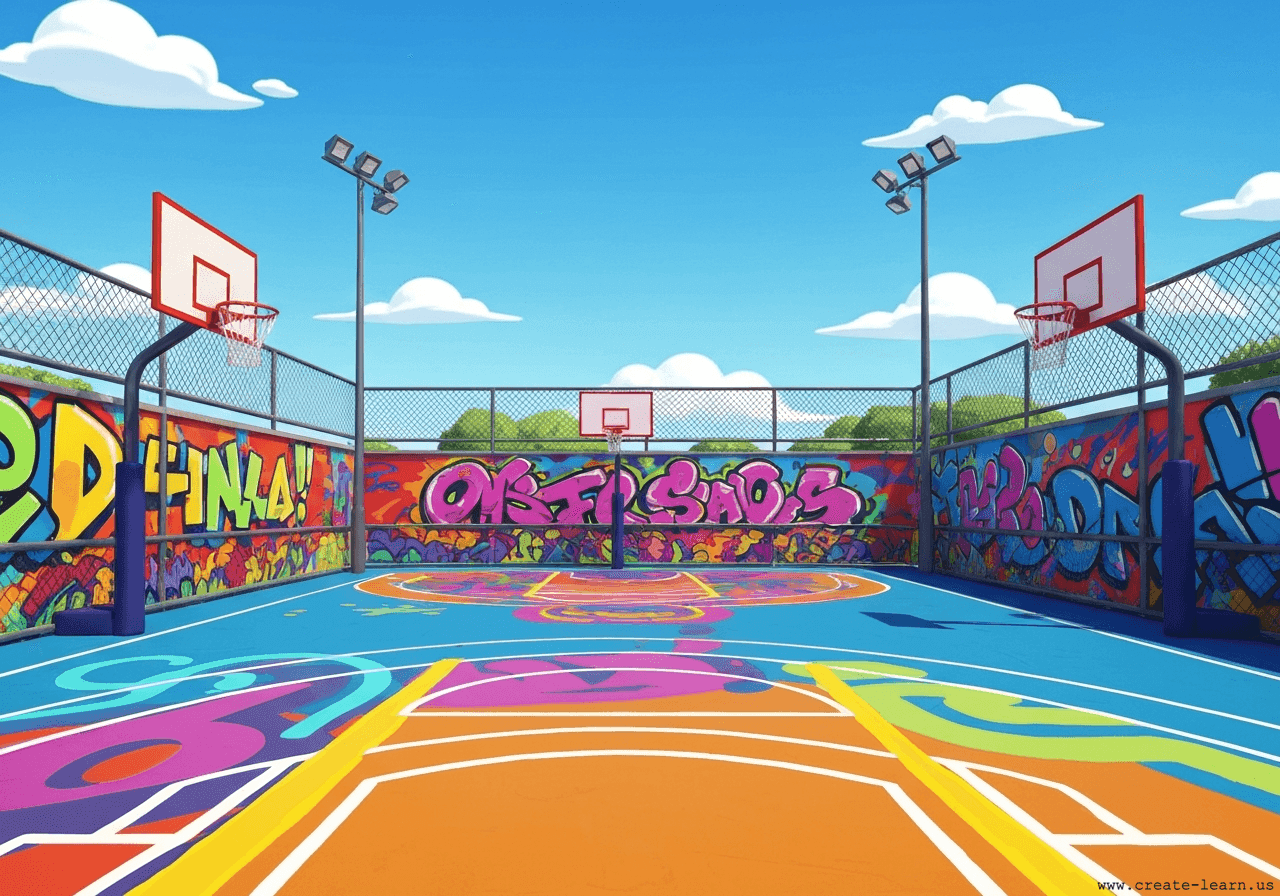
Start by selecting a glowing neon backdrop from the Scratch library, such as 'Neon Tunnel' or 'Neon City'. Then, select the Kitty sprite. Make sure your Kitty has at least two costumes: one for running/normal and one for a happy pose when she catches the mouse.
Create a loop that keeps Kitty constantly pointing toward your computer mouse and moving toward it. Use a 'forever' loop combined with 'point towards' and 'move steps' blocks so Kitty never stops chasing.
Inside the forever loop, add an 'if-then' conditional block to check if Kitty is touching the mouse pointer. If she is, play the 'meow' sound, switch her costume to the happy pose, teleport her to a random position, and switch her costume back to start the chase again.
It is common to have bugs in the code. Here are some of issues you might run into.
Enroll your child in award-winning online Scratch coding classes led live by experts and designed by professionals from Google, Stanford, and MIT.
Grades K-2
Start coding with ScratchJr, and make interactive stories and gamesGrades 2-6
Code games and animations with Scratch coding, beginner to advanced levelsGrades 5-9
Fast-paced introduction to Scratch coding: build games, stories, and animationsGrades 3-6
Code a new fun Scratch game every weekThe challenge continues: Enjoy even more Scratch tutorials dreamed up by other students or use your imagination to make your own!
Explore your child's grade level to find computer science classes and learning pathways that set your student up for success.