In this project, students will create a scene where a dolphin rides a bike to the underwater library. Using sensing, the main dolphin can detect collisions with underwater plants or books while riding, and students will program variables to keep track of the duration of the ride. When the dolphin arrives at the library, it will use messaging to call out to its friends and start a friendly chat.


These are the high level steps to create this project. Try to create the project on your own first as much as possible, before checking the detailed solution samples below.
This section provides detailed, step-by-step instructions on how to build the project. There are many ways to create a project, so feel free to explore different approaches. Please note that these instructions are Al-generated, so errors may occur and the coding blocks may not map to Scratch exactly. But it should serve as very valuable references. Stay attentive as you follow along, and enjoy!
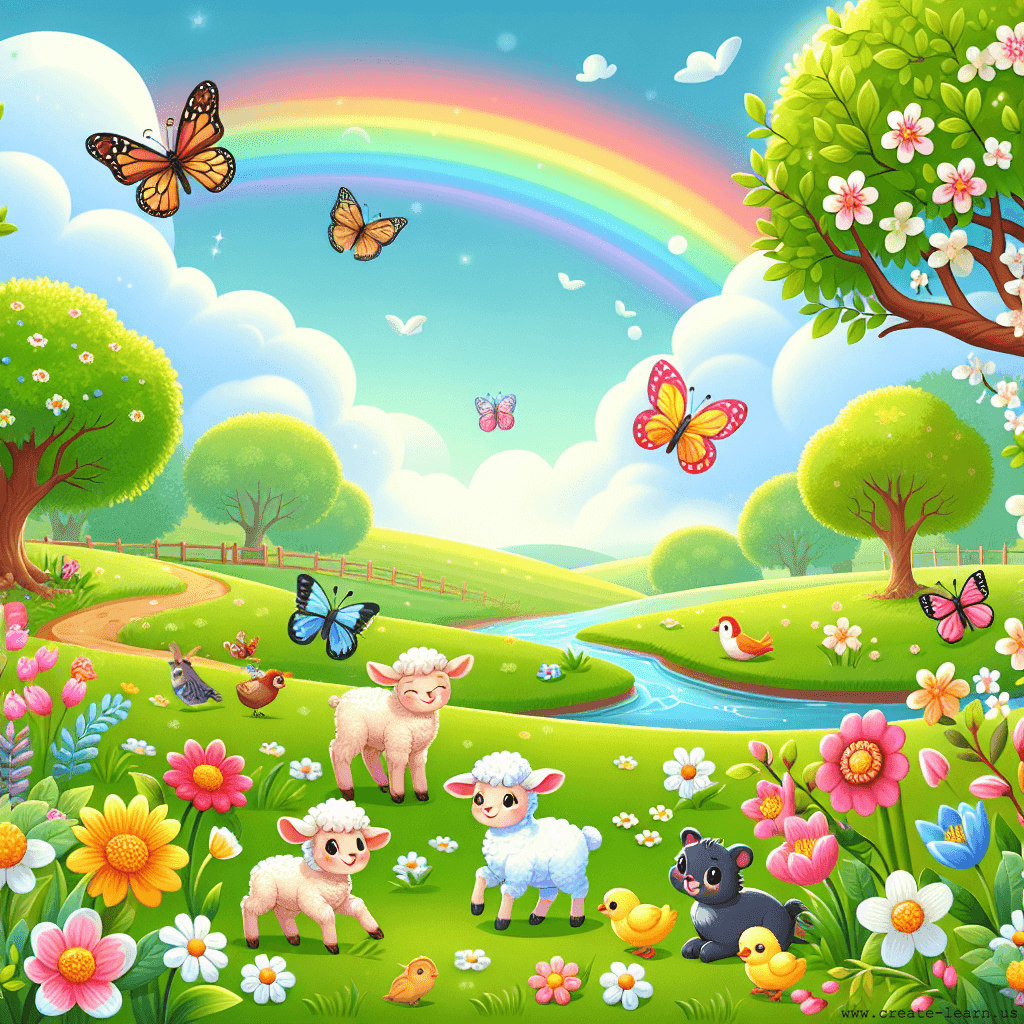
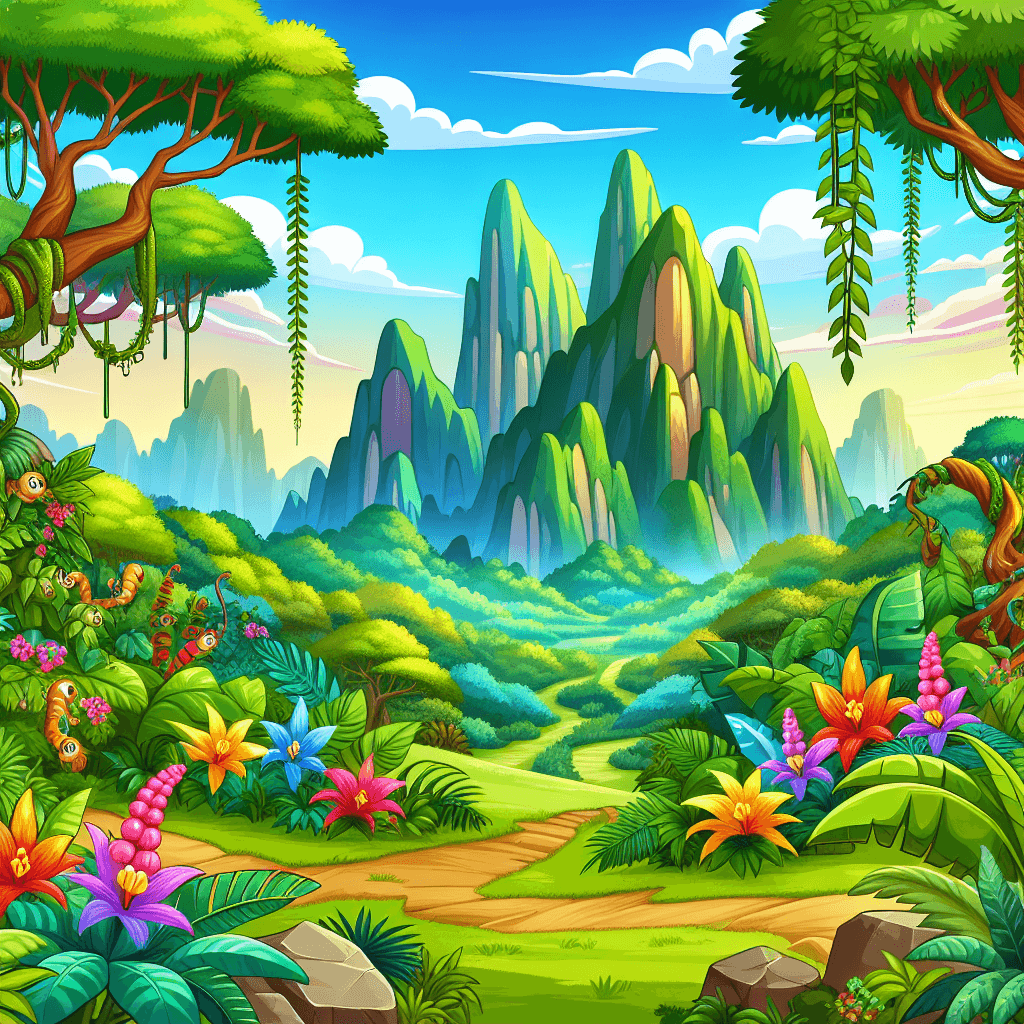
Begin by choosing an underwater backdrop to set the scene for the dolphin's bike ride. Add the dolphin sprite and a bike sprite. Position the dolphin on the bike so it looks like it's riding. You can use the 'go to' block to set their starting position.
Use the 'forever' loop to make the dolphin move continuously to the right. Use the 'if touching' block to detect collisions with underwater plants or books. When a collision is detected, you can make the dolphin say something or change its costume to show a reaction.
Create a variable called 'Ride Duration'. Use the 'change variable by' block inside a 'forever' loop to increase the duration as the dolphin moves. This will help keep track of how long the ride takes.
When the dolphin reaches a certain x-coordinate, use the 'broadcast message' block to send a message to its friends. This message can trigger other sprites to appear or start a conversation.
Create a new sprite for the dolphin's friends. When they receive the 'Arrived' message, they can appear and start a conversation with the main dolphin using the 'say' block.
It is common to have bugs in the code. Here are some of issues you might run into.
Enroll your child in award-winning online Scratch coding classes led live by experts and designed by professionals from Google, Stanford, and MIT.
The challenge continues: Enjoy even more Scratch tutorials dreamed up by other students or use your imagination to make your own!
Explore your child's grade level to find computer science classes and learning pathways that set your student up for success.