Scratch is great for coding! Scratch is a free helpful tool, developed by the MIT Media Lab, for learning how to code. It is a visual block-based programming language that is designed to be easy to use and understand, especially for beginners.
Ready to learn how to make Tic Tac Toe on Scratch? Today, you can bring this traditionally paper-and-pencil game for two players into the digital realm. Here's how in a few simple steps.
In this tutorial, we will show you how to animate a simple basketball game by utilizing commonly used blocks. The key to this short game is coordination and timing.
Once you learn the basics of the blocks in Scratch, there are many different kinds of games you can make. As an example, you can follow this tutorial to learn how to make a catch game in Scratch.
Scratch offers many ways to enhance your project, and one of them is by adding music! This article will show you how to create music in Scratch. There are many options for customized and pre-recorded sound.
Today, we're going to learn how to make an easy Cross the Road game on Scratch. In this game, the objective is to get your character across a busy road without getting hit. If you make it to the other side unscathed, you win!
Learn how to build a maze game. We’ll start from the beginning and demonstrate how to create your own maze, control the character’s escape from the maze with arrow keys, and even customize the maze with different themes!
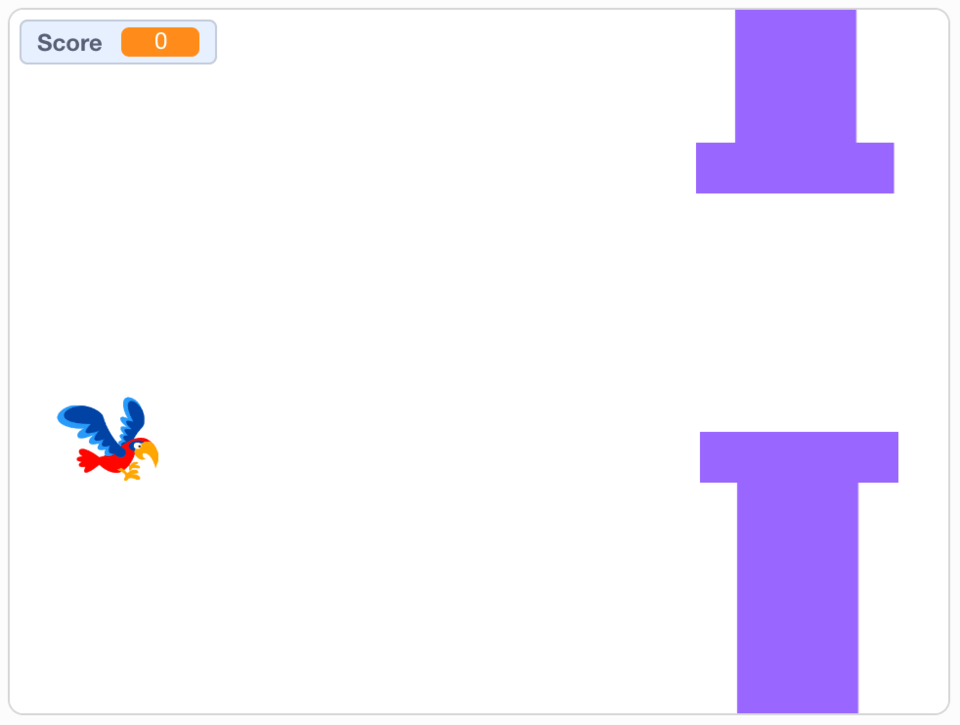
Find out how to make a flappy bird in Scratch! Follow 8 simple steps for kids to create a super fun game. It can even be customized with unique backgrounds.
Creating a catchy game with Scratch coding starts with everyone’s favorite sprite: a ball. So, find out how to make and customize a quick Ball Bounce game in Scratch!